20 min 40 sec
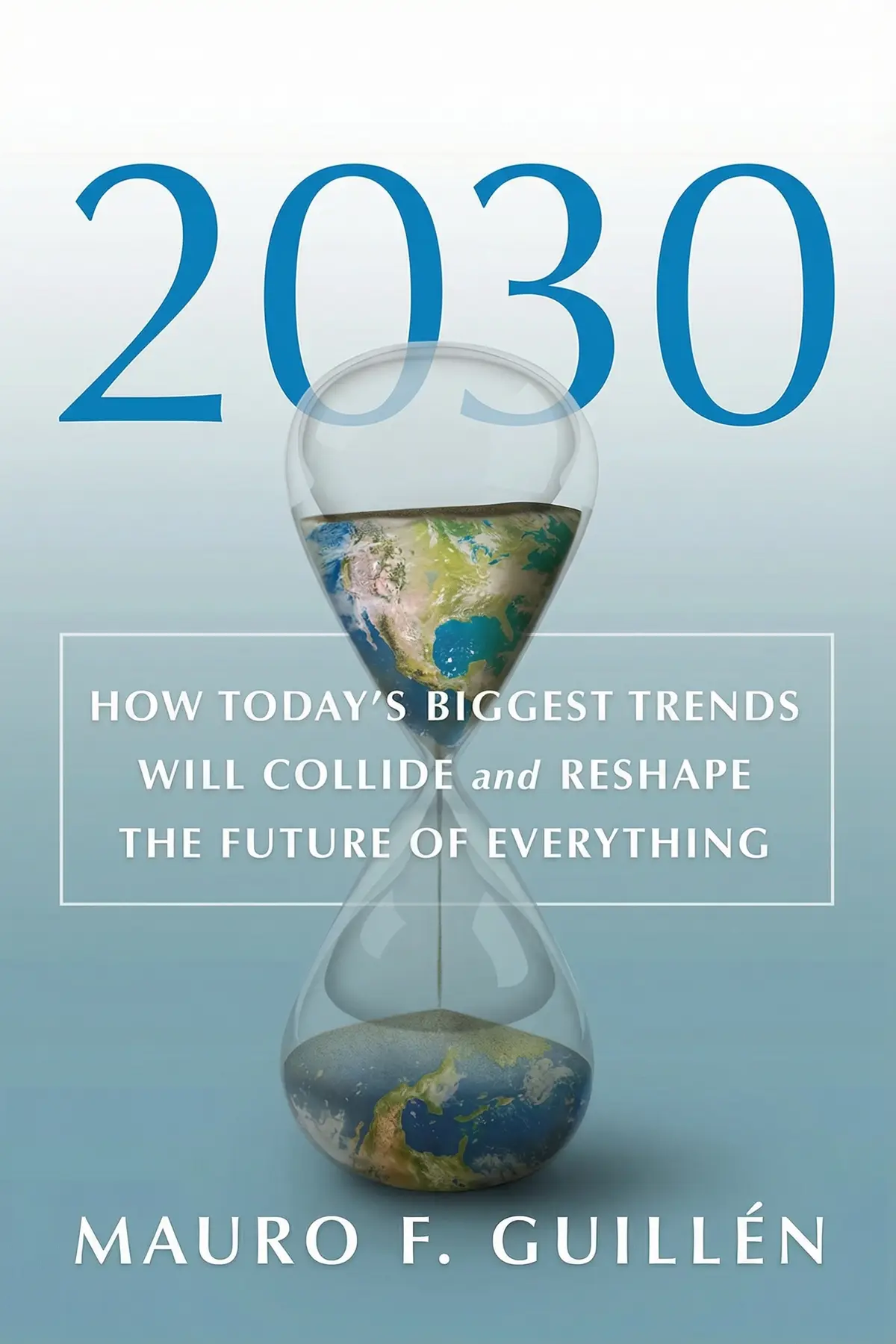
Don’t Make Me Think, Revisited: A Common Sense Approach to Web Usability
By Steve Krug
A guide to intuitive web design, emphasizing that websites should be self-explanatory. It provides practical strategies for usability testing, navigation structure, and creating a seamless user experience that minimizes cognitive effort.
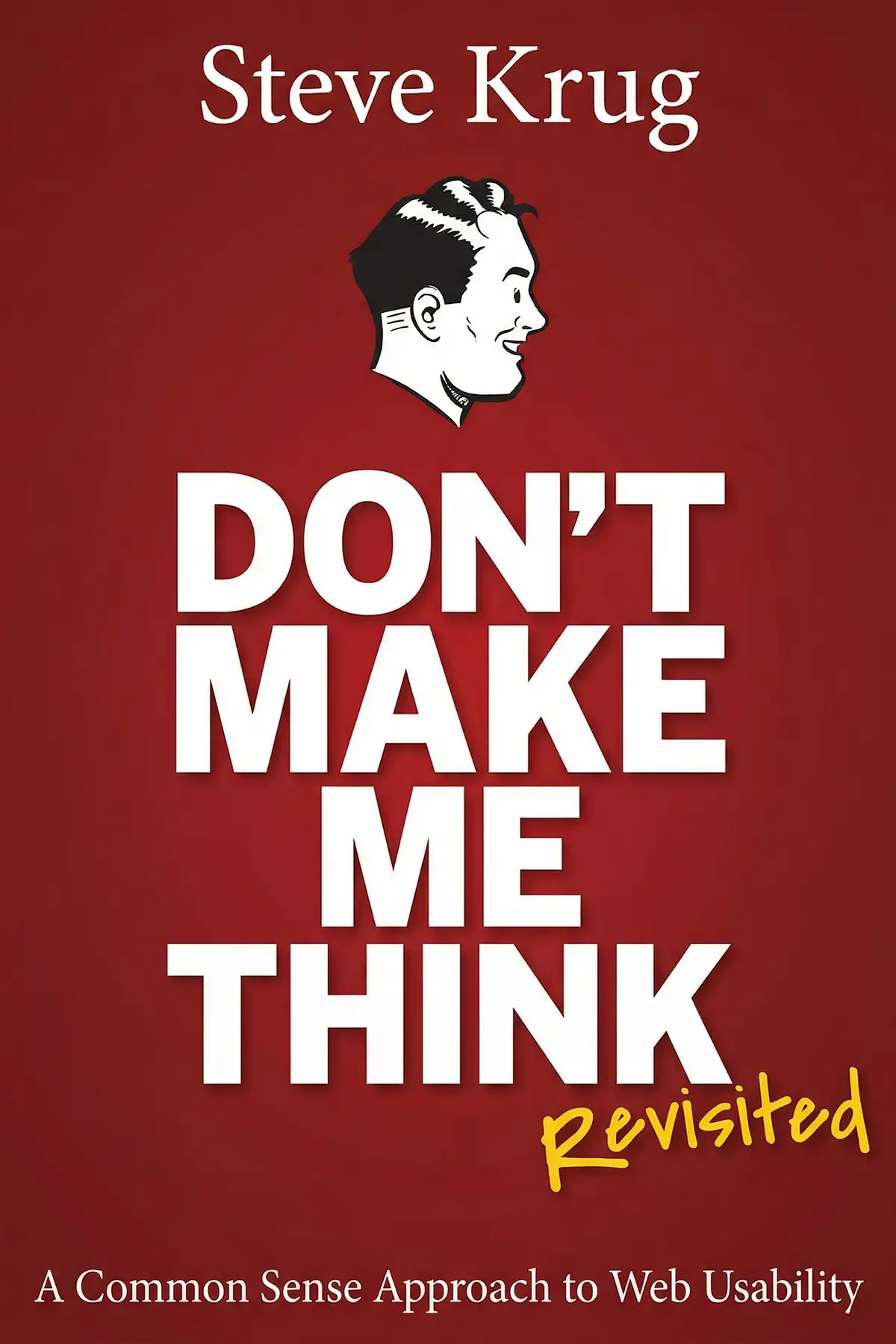
Table of Content
1. Introduction
1 min 49 sec
Have you ever walked into a massive, multi-level department store and felt instantly overwhelmed? You’re looking for something specific—maybe a new pair of running shoes—but there are no signs, the elevators are hidden, and the floor plan seems to follow a logic known only to the architect. In a physical store, you might eventually find a map or an employee to help. But in the digital world, the experience is much more brutal. If a visitor can’t find what they need on a website within seconds, they don’t go looking for a map. They simply leave. They click the back button and find a competitor who makes things easier.
This is the core challenge of web usability, and it’s the central theme of Steve Krug’s classic work on the subject. The overarching philosophy is simple, yet profound: your website should be self-explanatory. Every time a user has to stop and wonder where a link leads, how to get back to the start, or what a specific button does, you’ve added to their cognitive load. You’ve made them think. And in the fast-paced environment of the internet, thinking is often the first step toward frustration.
In this exploration, we’re going to dive into the practicalities of making the web a more intuitive place. We’ll look at the psychological shortcuts users take when they browse, why traditional manuals are ignored, and how you can structure your site so that it guides people effortlessly to their goals. We will also tear down the myth that usability testing is a complex, expensive ordeal reserved for giant corporations. By the end of this journey, you’ll see that great design isn’t about flashy innovation for its own sake; it’s about respect for the user’s time and mental energy. Whether you are a designer, a developer, or a business owner, the goal is to create a digital environment where the path forward is always obvious.
2. The Principle of Satisficing
2 min 04 sec
Discover why internet users rarely look for the perfect solution, choosing instead to take the path of least resistance and ‘muddle through’ interfaces.
3. Designing for the Scanner
2 min 01 sec
Learn how to capture the attention of users who move through your site at high speeds, treating your pages like billboards rather than books.
4. The Four Pillars of Navigation
2 min 05 sec
Explore the essential components that ground a user, ensuring they never feel lost in the vastness of a multi-page website.
5. The Power of Conventions
1 min 49 sec
Understand why following established design patterns is often better for the user than trying to be entirely original.
6. The Home Page First Impression
1 min 55 sec
Discover how to craft a home page that immediately communicates value and purpose, preventing user confusion before it starts.
7. Escaping the Subjectivity Trap
1 min 44 sec
Learn why personal opinions about design are often misleading and how to focus on objective user behavior instead.
8. The Art of Usability Testing
1 min 40 sec
Explore the practical steps of watching real people use your site to uncover the hidden flaws in your design.
9. The 'Less is More' Approach to Testing
1 min 55 sec
Find out why testing just three people early in the process is more effective than a massive study at the end.
10. Adapting for the Mobile World
1 min 48 sec
Learn how to maintain usability on small screens by prioritizing speed and ensuring full functionality isn’t sacrificed for size.
11. Conclusion
1 min 50 sec
The common thread through every principle of web usability is simple: respect the user. Whether it’s by following well-known conventions, creating a clear visual hierarchy, or providing an escape hatch to the home page, every design choice should aim to lower the hurdle between the visitor and their goal. We have seen that users are not the patient, rational actors we sometimes wish they were. They are scanners, they are muddlers, and they are easily frustrated by ‘happy talk’ and unnecessary clutter. By accepting these human tendencies rather than fighting them, we can build websites that feel natural and effortless.
But theory only goes so far. The most important takeaway is the necessity of testing. You cannot know if your site works until you see someone else use it. You don’t need a massive budget or a team of experts to do this. Start small. Watch three people. Do it early in your project, and do it often. Don’t let your team get bogged down in subjective arguments about colors and fonts when you could be looking at objective data about what actually helps a user succeed.
In the end, usability is a competitive advantage. In a world where every service and product is just a click away, the sites that win are the ones that don’t make their users think. If you can provide a smooth, intuitive, and stress-free experience, you won’t just satisfy your visitors—you’ll earn their trust and their loyalty. Start today by looking at your own site through the eyes of a stranger. Find the points of friction, the vague headlines, and the hidden buttons. Fix them, test them, and keep the user at the center of everything you build. Your visitors will thank you by coming back again and again.
About this book
What is this book about?
This summary explores the fundamental principles of web usability, arguing that the best websites are those that require zero thought to navigate. It breaks down the psychology of how people actually use the internet—scanning instead of reading and 'muddling through' instead of learning—and offers a roadmap for designers and stakeholders to align their visions with user needs. Readers will learn how to create clear visual hierarchies, utilize established web conventions, and design effective home pages that deliver a strong first impression. The guide also demystifies the process of usability testing, showing how even small-scale, low-budget observations can reveal critical flaws. Ultimately, it provides a common-sense framework for building digital spaces that are accessible, functional, and user-friendly across both desktop and mobile platforms.
Book Information
About the Author
Steve Krug
Steve Krug is a highly respected usability consultant with over two decades of experience helping major organizations like Apple, Bloomberg, and the International Monetary Fund improve their digital interfaces. In addition to this work, he is the author of Rocket Surgery Made Easy, a practical guide focused on the hands-on process of identifying and resolving usability issues.
Ratings & Reviews
Ratings at a glance
What people think
Listeners consider this work a foundational guide for web industry professionals, applauding its realistic tips and uncomplicated perspective on usability. The content is particularly advantageous for novices and intermediate UX specialists, offering lucid instructions for crafting intuitive websites. Listeners appreciate the author's wit and pragmatic mindset, with one listener highlighting how it makes instances of poor design feel relatable. The writing is praised for not being excessively long-winded, and listeners prize the thorough exploration of fundamental web design principles.
Top reviews
Chaiwat
Ever wonder why some websites feel like a chore to use while others just flow? Steve Krug answers that by pointing out the obvious things we somehow always miss. His 'common sense' approach to usability is refreshing because it doesn't hide behind academic jargon. Instead, it uses clear diagrams and a witty tone to explain that users don't want to solve a puzzle—they just want to find the 'Buy' button. The logic is so simple it's almost painful that more companies don't follow it. Even though some of the site screenshots look like relics from the dial-up era, the psychological principles are timeless. You’ll find yourself nodding along as he explains how we scan pages rather than reading every word. It’s a fast, punchy read that serves as a necessary reality check for any designer who gets too caught up in their own cleverness.
Show moreNing
Steve Krug has a gift for taking complex UX theories and distilling them into something your grandmother could understand. I’m a total amateur when it comes to design, but this book gave me the confidence to actually look at a page and spot what’s broken. The 'DIY Usability Testing' chapter is the real gold here; it proves you don't need a massive budget or a lab to get useful feedback. You just need a person and a script. I loved the 'goodwill reservoir' analogy, which explains why users get frustrated when they encounter tiny hurdles like mandatory registrations. It’s funny, approachable, and uses color diagrams effectively to show rather than just tell. If you’re just starting out in tech or marketing, this is the first book you should buy. Period.
Show moreLucas
Wow, the concept of the 'goodwill reservoir' alone was worth the price of admission. It’s such a simple way to visualize how much patience a user has before they eventually give up and close the tab. Krug’s writing style is incredibly lean; he practices what he preaches by not making the reader work too hard to understand his points. I particularly enjoyed the section on home page design and how to avoid the 'everything is important' trap. It’s a short book, but it’s packed with insights that apply to everything from email newsletters to complex software. To be fair, the accessibility chapter was a bit light and mostly just pointed me toward other books, which was a minor letdown. Regardless, the core advice on making things self-explanatory is something I’ll be carrying into my daily workflow for years.
Show moreJavier
If you work in product, you have no excuse for not having this on your shelf. It is the definitive guide to web usability for a reason. Steve Krug manages to be both incredibly funny and deeply practical, which is a rare feat for a business book. His main argument—that we should aim for design that requires zero thought—is the North Star for everything my team builds now. I love how the book is formatted; it’s colorful, easy to navigate, and uses great examples of 'before and after' designs. Even if you think you know UX, the sections on mobile constraints and navigation are fantastic reminders of the basics we often overlook. It’s the kind of book you can finish in an afternoon and start applying to your work the very next morning. Pure common sense, brilliantly delivered.
Show moreJun
Picked this up on a recommendation and finished it in two sittings. It’s rare to find a technical book that actually makes you laugh out loud, but Krug’s observations on bad design are just so relatable. He captures that feeling of frustration we’ve all had when a website hides its contact info or has a confusing 'Submit' button. The book isn't wordy at all, which is a huge plus—it follows its own advice by being easy to scan and digest. Some might say it's too basic, but in my experience, the basics are usually where things fall apart. Whether you’re a CEO, a designer, or a project manager, this book gives you a shared language to talk about what makes a product actually work. It’s a classic for a reason and still holds up remarkably well despite its age.
Show moreFang
After hearing about this 'bible' of web design for years, I finally dove in. It’s a brisk read, perfect for a short flight, and Krug’s voice is incredibly conversational. Personally, I think the strongest part of the book is the section on navigation and breadcrumbs—it really makes you rethink how you structure a site’s hierarchy. However, to be fair, the 'revisited' part of the title feels a bit generous. While mobile and accessibility get a nod, many of the examples are clearly from an older web. I wish there was more focus on modern web apps rather than just traditional static websites. Still, the core message of reducing cognitive load for the user is something every developer needs to hear. It's less of a technical manual and more of a mindset shift.
Show moreKatya
This is the ultimate 'plane ride' book for anyone in tech. It's thin, full of color, and gets straight to the point without any fluff. Krug's sense of humor is definitely a choice—some might find the comics a bit patronizing—but I found them lighthearted enough to keep me engaged. The book excels at highlighting 'common sense' things that designers often forget in favor of aesthetics. For instance, the way he breaks down how users actually scan a page in a Z-pattern was a total lightbulb moment for me. Not gonna lie, some of the screenshots of old Amazon pages are hilarious to look at now, but they actually prove his point: good usability isn't about being trendy. It's about being invisible. It’s a great refresher for vets and a solid foundation for newbies.
Show moreElena
As someone who spends most of their day in the backend, design has always felt like a dark art that I wasn't allowed to touch. This book changed that for me. It demystifies the process by focusing on the user's psychology rather than just 'making things pretty.' The chapter on usability testing was a game-changer; it showed me that I can run my own tests without needing a specialized team. I did find some of the comics a bit cheesy, but the actual information is gold. Krug explains why we need to make things 'self-evident' so the user never has to pause and wonder 'can I click this?' It’s a quick read, but I’ve already found myself using his 'scanning' logic to fix some of the internal tools I build. Definitely worth a spot on any engineer's desk.
Show moreSomchai
The truth is, while the core philosophy here is rock solid, the actual examples feel like a time capsule from the early 2000s. I came into this hoping for a modern take on UX, but I spent a lot of time looking at layouts that haven't been relevant for a decade. Look, the principle of 'don't make me think' is immortal, but the application has changed so much with the rise of SPAs and complex web apps. Krug's writing is quirky, but at times it felt like he was trying too hard to be the 'cool teacher,' and the footnotes started to grate on me after the third chapter. I did appreciate the quiz sections where he asks you to identify flaws in a site—that was actually quite helpful. But overall, it felt a bit like learning to drive in a Model T. The mechanics are the same, but the road has changed.
Show morePlernpiriya
Frankly, I felt like I was reading a 200-page bibliography rather than a guide. Every time the author introduced a vital topic—like font legibility or deep accessibility—he’d spend two paragraphs on it and then tell me to go read someone else’s book. I didn’t pay for a reading list; I paid for a distillation of his expertise! While I get that he wants to be concise, it felt like he was dodging the hard work of explaining the 'how.' Also, the jokes and 'mensch' factor he tries to inject were more distracting than helpful for me. I was expecting a deep dive into modern UX principles, but what I got was a very high-level overview that felt slightly outdated. If you’ve never thought about design before, this might be okay, but for anyone already in the industry, it's pretty thin.
Show moreReaders also enjoyed




AUDIO SUMMARY AVAILABLE
Listen to Don’t Make Me Think, Revisited in 15 minutes
Get the key ideas from Don’t Make Me Think, Revisited by Steve Krug, plus 5,000+ more titles in English and Thai.
- 5,000+ titles
- Listen as much as you want
- 7-day free trial
- Cancel anytime